
Finally, you know what’s happening in your salon as it happens
No more checking the calendar by hand to see “whether anyone has booked anything”. We’ve added notifications:
- In the app – a bell with an unread counter. A new online booking or a cancelled appointment? You see it straight away, and one click takes you to the appointment in the calendar.
- Push on your phone – notifications land right on your screen, even when the app is closed.
Fewer missed bookings, faster reactions, more peace of mind.
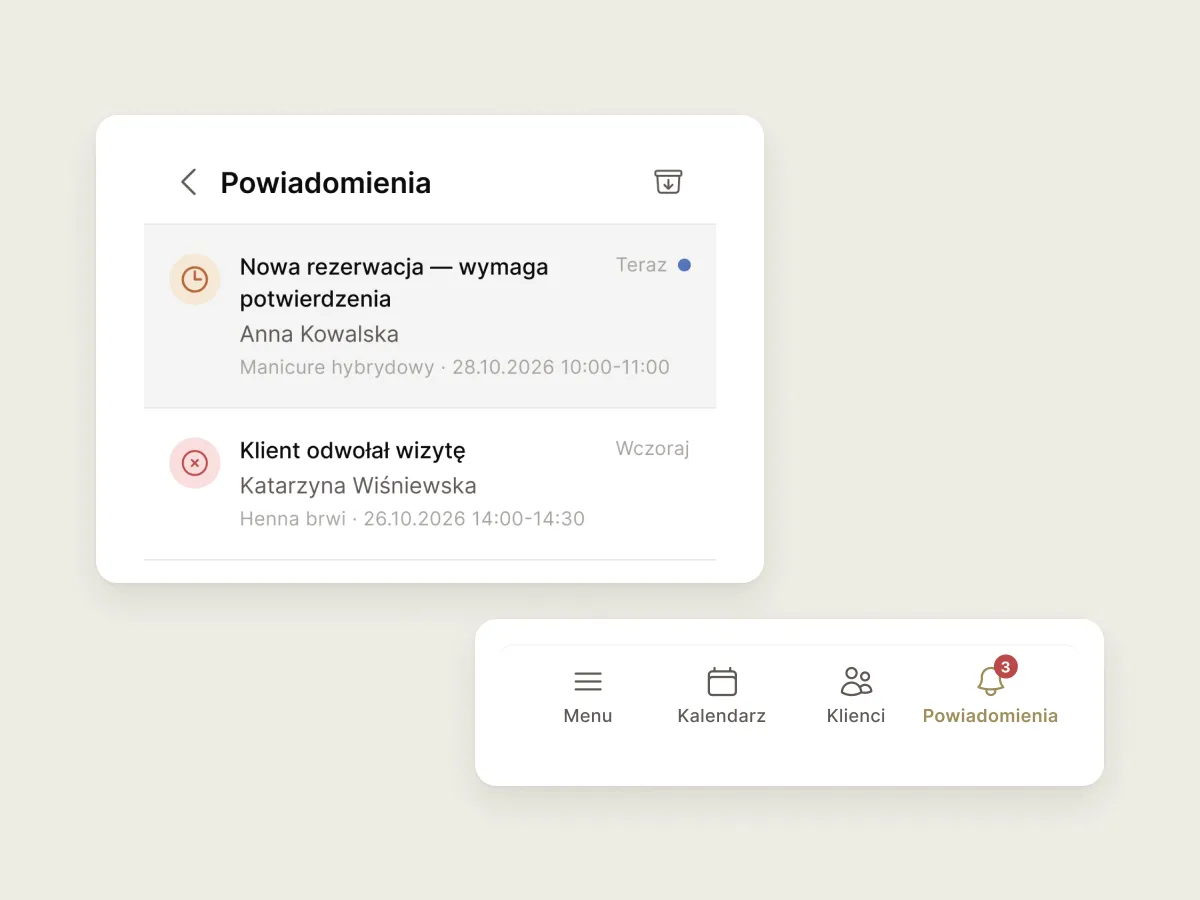
How to turn on push: check that your device is on the list of added devices. If it isn’t, allow notifications for Estetify in your phone’s settings.
Where to find it
- My account
- Notifications
Pick your mood
Day or night? You work in the morning, at noon and in the evening, and the app should adapt to that. Choose light, dark or system mode. In system mode the app follows your phone’s settings.
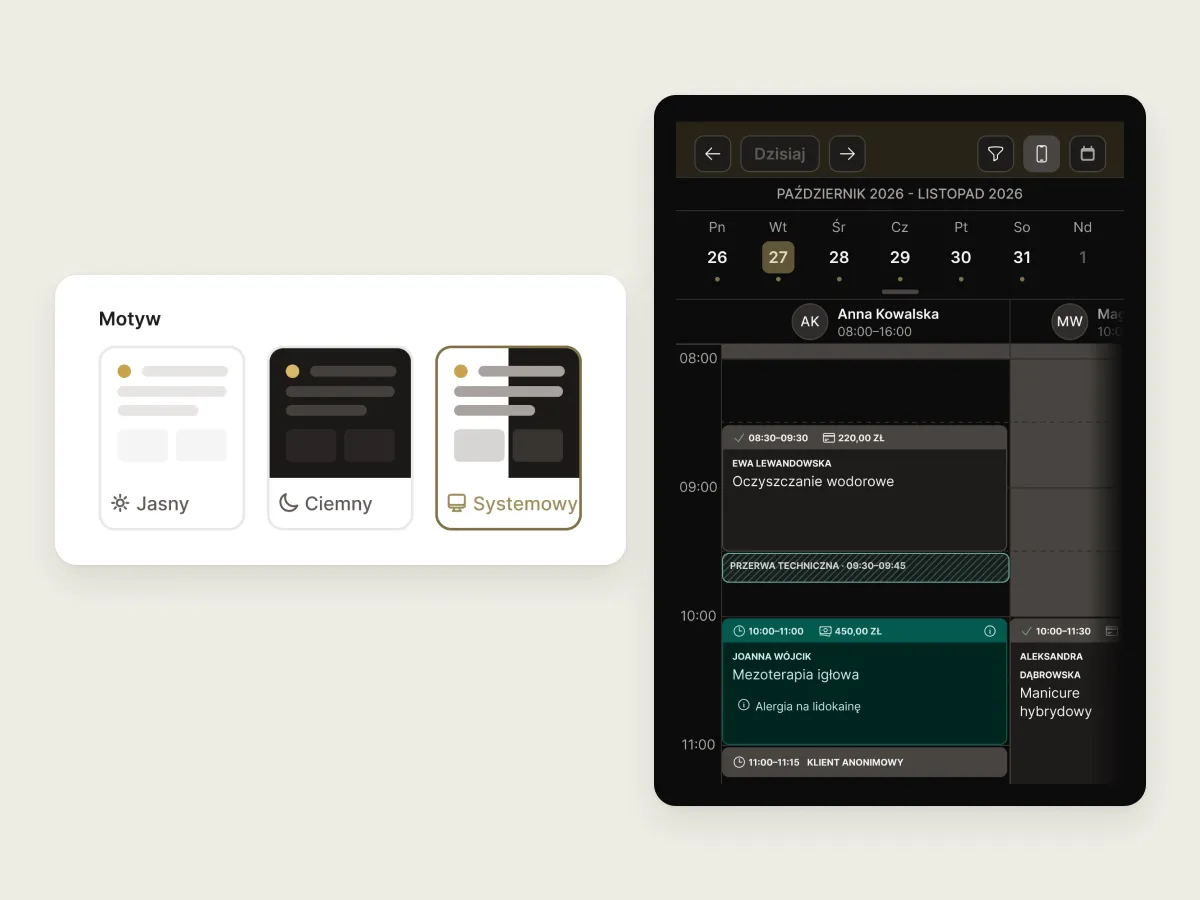
Where to find it
- My account
- Account
- Theme
Drag instead of tapping
Managing your schedule on the phone is now much faster:
- Press and hold an empty slot in the calendar to add an appointment right away.
- Press, hold and drag an existing appointment to reschedule it.
You no longer have to open an appointment’s details every time you just want to move it. For now this works on the phone, because that’s where most of you use Estetify.
Where to find it
- Calendar
And also a few more things
- Sign in with Google/Apple – if you created your account with an email and password, you can now link it to Google/Apple and sign in either way. You’ll find it in My account → Account → Connected accounts.
- Fewer logouts – you sign in and stay signed in for longer than before the update. You told us this could be annoying.
- A better month view – especially on the phone: clearer and easier to use.
- And much, much more. Using the calendar is simply more pleasant.
After the latest update and a small change, everything feels clearer to me. There are no problems adding services or clients. Nothing gets cut off (…)
— Marta